02x07-b2c_you_later.auth
In this episode: Koos recently had to help a customer getting their Entra ID External ID connected to the SOC and discovered that it wasn’t as straightforward as you might think. Let’s revisit what Entra ID External ID is in the first place, and how it differs from the former B2C it replaced. Chris talks about why it’s never been more important to patch your stuff and digs into the relationship between patch management and vulnerability management.
Entra ID External ID
Recently I had to help a customer get their Entra ID B2C tenant connected to our SOC. I knew Azure AD B2C was there of course, but I never really needed to interact with it before. And this made me look into the differences between the old B2C offering and the newer External ID a bit more.
The actual logging setup also wasn’t as straightforward as you’d think. You can’t have an Azure subscription in an B2C / External ID tenant, so how do you get the logs into the customer’s existing Sentinel workspace? With Azure Lighthouse apparently, but the portal wizard will happily create a new Resource Group and new Log Analytics workspace for you first. So, there are some ‘quirks’ with B2C/External ID and since I had to figure out the B2C to External ID transition as well, I’d figure it might be an interesting topic to share with our listeners.
First, what is Azure AD B2C?
Azure AD B2C was Microsoft’s Customer Identity and Access Management platform (or CIAM). Microsoft made it generally available in 2016 and tt was meant for identities outside your organization: customers signing in to a webshop, citizens using a government portal, partners using an application, those kinds of things.
It uses a separate tenant with its own local accounts, social identity providers and user flows. So this wasn’t meant to be your regular workforce Entra tenant where all your employees live. A customer could create a local account for your application, but you could also let them use an existing account from Facebook, Google, LinkedIn a personal Microsoft Account etc.
Microsoft introduced Entra External ID as a “next-generation CIAM platform” in public preview in May 2023. It became generally available a year later. For the B2C scenario you now create an ‘external tenant’. This contains the customer accounts, applications, user flows and the sign-in experience but looks and feels very similar in UI experience to what we’re used to with our ‘main’ Entra ID tenant(s).
But External ID isn’t just a new name for B2C. You can’t flip a switch on an existing B2C tenant and call it External ID. The process is less straightforward. More on this later.
Why would you connect B2C to the SOC?
The customer wanted to connect their B2C tenant to our MxDR services. And in theory that makes complete sense. This tenant handles sign-ins to their customer-facing applications. If somebody is trying to brute-force customer accounts, reset passwords in bulk, change an identity provider or make changes to user flows, you’d want the SOC to know about it.
The B2C P2 problem
Azure AD B2C is no longer available for new customers to buy since May 2025. Existing customers can keep using it and Microsoft says it will be supported until at least 2030. But Premium P2 was retired in March 2026.
That last one is the important bit from a SOC perspective. P2 gave B2C the Identity Protection features: risky users, risky sign-ins and risk-based Conditional Access. Microsoft could calculate a risk level based on its own telemetry, and you could block a sign-in or require MFA based on that result with Conditional Access.
And yes, we can connect SignInLogs and AuditLogs to Sentinel and create some detections. But the security functionalities which were stripped, can’t be replicated with a few KQL queries. You could create queries to detect failed sign-ins, password resets, policy changes and match IP addresses with known indicators. And for the time being, that is still worth doing.
But the added security value becomes a bit limited. The most interesting security signals are already been taken away.
And what does External ID offer instead?
External ID does have more options to secure customer sign-ins. You can use Conditional Access, MFA, passkeys and authentication context for step-up MFA. There are also custom authentication extensions and integrations for bot, fraud and account-takeover protection. Microsoft even has CAPTCHA protection for SMS MFA.
But this still doesn’t bring back the old B2C P2 Identity Protection features. Microsoft Entra ID Protection isn’t available in External ID external tenants. So there are no Microsoft-generated user or sign-in risk levels, no risky-user or risky-sign-in reports, and no risk-based Conditional Access based on those signals.
Microsoft does document third-party risk providers which can feed a WAF or application flow. This can then trigger Conditional Access and MFA. So the risk decision comes from the partner instead of Microsoft Entra ID Protection. It is a different design, and probably a different bill as well.
Still, this is the direction I would recommend for an existing B2C customers:
- We can create a few KQL rules around the B2C logs for now. But you’ll never be able to recreate P2 features with KQL.
- Please migrate to External ID and enable the premium features to regain at least some of the security features.
The problem with these KQL detection is that they run after the sign-in happened and only sees the logs we decided to collect. It can alert the SOC, but it cannot step in during the sign-in to require MFA or enforce a passkey. External ID gives you those options in the actual customer sign-in flow. Even without the old Microsoft risk levels, that is still much more security value than we can add with KQL queries on an existing B2C tenant.
Getting the logs into Sentinel
Since you’re unable to attack any Azure subscription to a B2C / External ID tenant, you won’t have the ability to create a Log Analytics workspace either. That’s why Microsoft leveraged Azure Lighthouse to create a delegation between the two tenant. The Log Analytics workspace (with or without Sentinel) needs to live in a workforce tenant with a subscription. Azure Lighthouse delegates access to a Resource Group in that workforce tenant to users or groups from the B2C or External ID tenant. After that delegation is in place, you can select the subscription and workspace as the destination for the diagnostic settings.
The first time you login to the External ID tenant you’re greeted with a wizard to guide you through this process. Unfortunately it assumes nothing is setup yet and it will guide you through the process of setting up the delegation and the workspace. During this guide you’ll notice you’re unable to select any existing workspaces you might have elswhere because the delegation simply isn’t there. And once the wizard closes, I initially had a hard time finding it again. 😉
So my advise (is you want to re-use an existing workspace) is to:
- Setup an Azure Lighthouse delegation first between the External ID-tenant and the workforce-tenant and make sure it’s scoped to an existing resource group containing a Log Analytics workspace.
- Then fire up that wizard again. You’ll find it under Monitoring & health –> Diagnostic settings –> Start set up. You’ll notice that you can now select the existing workspace from the drop down menu.
One annoying detail: once the wizard has been completed but you need to replace the logging configurations, those fields become read-only. Remove the existing service provider information and start again. I guess this prevents accidental changes, but it does make the setup a bit ‘finicky’.
You’ll notice that the logs will be ingested into the same SignInLogs and AuditLogs table with the same schema’s, so they’ll blend right in together with logs from your workforce tenant.
Migrating from B2C to External ID
If you’re still using B2C consider migration to External ID. But unfortunately this is quite involved. 😏
- Take inventory first: applications, user flows, identity providers, token claims, custom policies and automation.
- Create the new external tenant and set up the user flows, identity providers, app registrations and security settings again.
- Migrate customer profile data. Passwords hashes however cannot be synced or copied over, and you have two options:
- You either ask everybody to reset their password
- Or migrate passwords one at a time when customers successfully sign in to the app. There are some tricks to setup a password hash harvesting flow on your apps. Please check out the docs in the links for more details.
- Update the applications to use the new External ID endpoints and validate the new tokens.
- Test the sign-in and recovery paths.
- Then plan the cutover and keep an eye on the logs.
However, there might be a challenge if you’re using B2C’s Identity Experience Framework (IEF) XML policies. Because these don’t have a one-to-one replacement in External ID. You will have to look at custom authentication extensions instead. And age gating is currently not supported either. So if a B2C tenant has a lot of custom work in it, don’t underestimate the migration.
There is also High Scale Compatibility (HSC) mode for the really large tenants, with roughly more than five million directory objects. This lets B2C and External ID endpoints run side-by-side while applications move over in phases. But it doesn’t migrate applications for you.
Links
- Azure AD B2C FAQ: end of sale, P2 retirement and support timeline
- Azure AD B2C general availability announcement, July 2016
- Azure AD B2C sign-in options and supported identity providers
- Microsoft Entra External ID public preview announcement, May 2023
- External ID general availability announcement, May 2024
- Supported features in External ID external tenants
- Plan a migration from B2C to External ID
- Migrate users and credentials to External ID
- Monitor Azure AD B2C with Azure Monitor
- Set up Azure Monitor in External ID external tenants
Patching your stuff..
This month I wanted talk about updates and patching. In case you missed it, June’s patch Tuesday had 198 CVEs, with 32 rated critical - at the time this was the largest release in the history of the program, breaking the previous record of 167 CVEs set in October 2025. Fast forward to July and that record was broken again with 622 CVEs including around 60 critical vulnerabilities. There were three zero-days, two of which were actively exploited privilege escalations. Microsoft attributed the unprecedented volume in part to an AI-powered vulnerability-discovery system it recently deployed to proactively scan its Windows codebase for flaws before threat actors do.
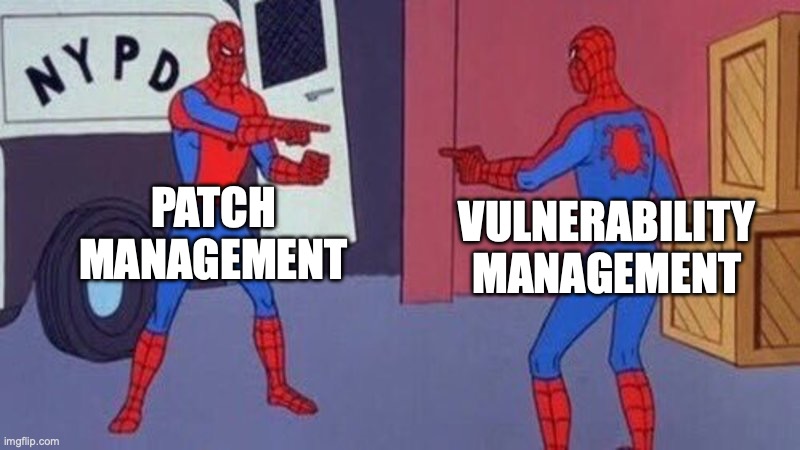
Given this background, if you are responsible for patching your estate today - how confident are you that everything is patched and up-to-date? I’ve found that the concepts of Patch Management and Vulnerability Management are often confused so I thought it would be a good idea to dive into this space on this episode.
What is Vulnerability Management (VM)?
VM is the ongoing process of identifying, assessing, prioritising, remediating, and verifying weaknesses across your estate before an attacker does.
Why it matters:
- Known-vuln exploitation dominates - attackers weaponise disclosed CVEs fast. Time-to-exploit keeps shrinking.
- You can’t patch everything - so this is fundamentally about prioritisation, not volume.
- It’s a compliance and insurance reality - Frameworks like CIS and cyber insurance questionnaires all assume you have this.
VM is the decision layer - what’s vulnerable, how bad, fix what first and patch management is one of the execution layers underneath it.

- Asset discovery & inventory - you can’t secure what you don’t know about. Includes shadow IT and unmanaged devices.
- Vulnerability assessment - continuous detection of CVEs, misconfigs, and vulnerable software versions.
- Prioritisation / risk-based scoring - not necessarily based on raw CVSS, but exploitability and business context.
- Remediation - the handoff from security to IT, ideally as a tracked request. This is where Patch Management sits.
Remediation has three lanes:
- Patch it - if a vendor update exists, deploy it.
- Mitigate it - no patch or can’t patch yet, so reduce exposure (disable feature, config hardening, network isolation, workaround).
- Accept it - documented risk acceptance when the fix cost outweighs the risk.
- Verification & reporting - confirm the fix actually landed and report trend over time, not point-in-time.
Community Project:
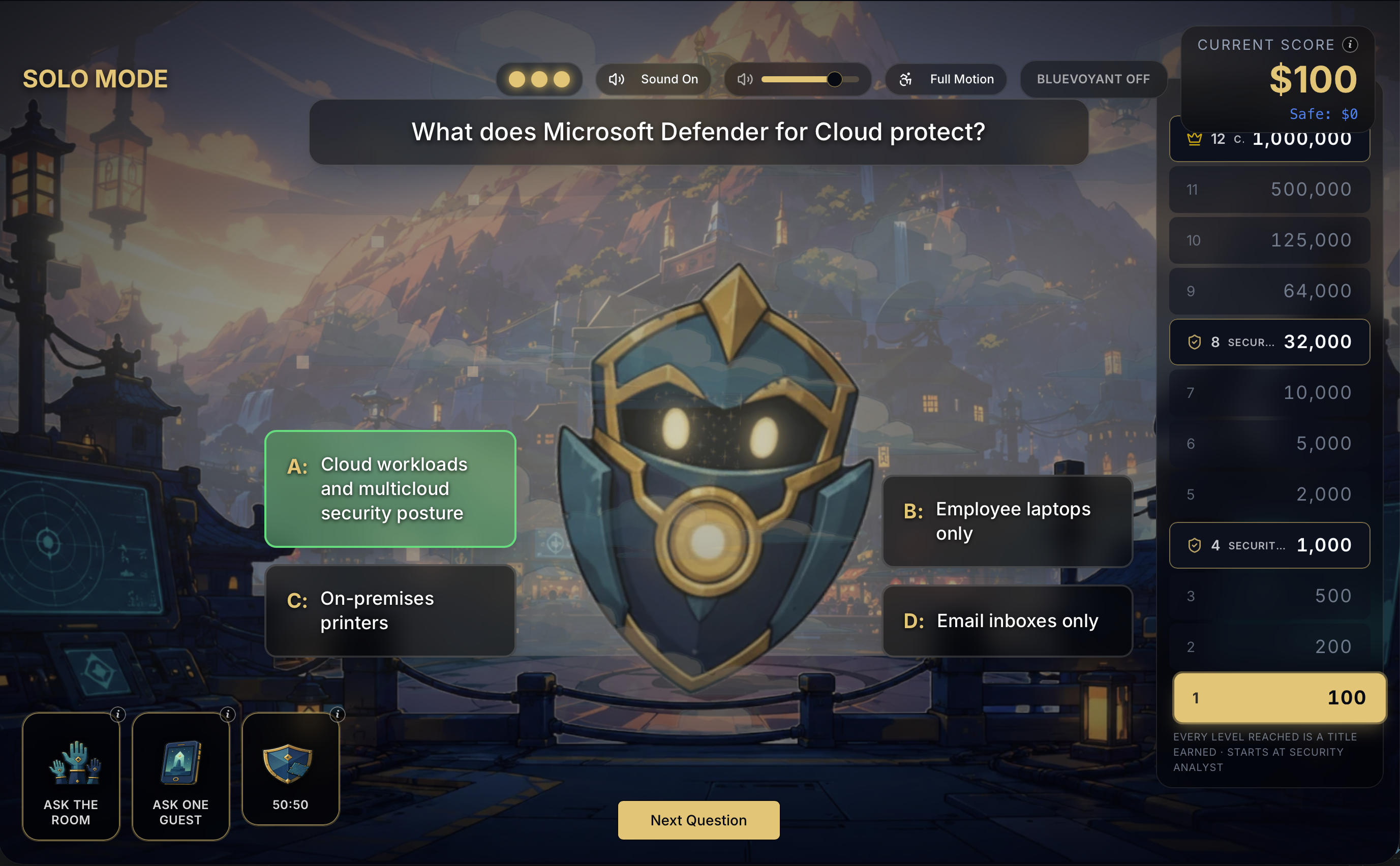
No github projects this month, instead we wanted to share something a little more fun. Security MVP Micah Heaton has created ‘Who wants to be a CISO’ which is a Microsoft Security related quiz game - think of a more fun verson of ‘Kahoot’
One big screen runs the show. Players join on their phones and compete to climb from the bottom rung to CISO. A host >drives the pace from a tablet. That’s the whole game.
Be sure to check out The Cloud Architects Episode 104: “Vibe” Coded! featuring Micah.